Introduction
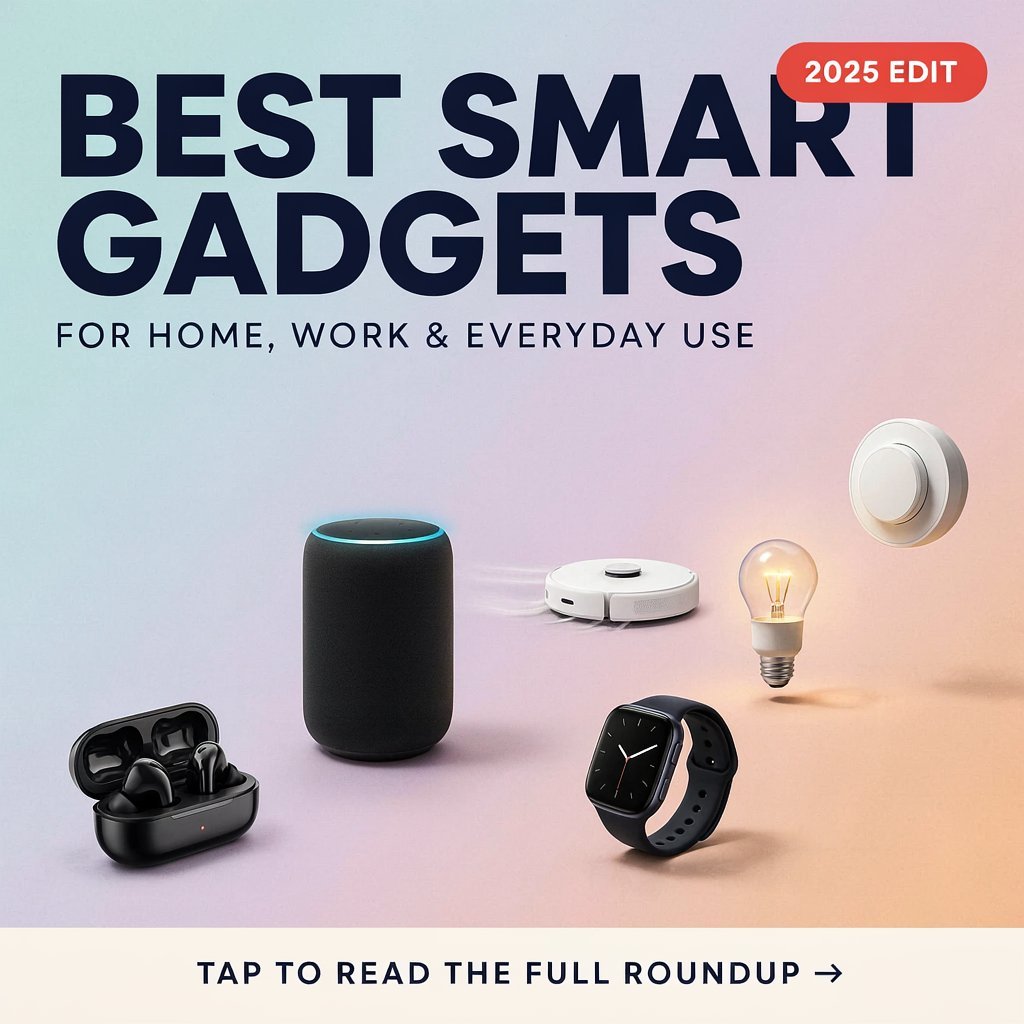
Smart gadgets have become a common part of modern life. From controlling lights with a smartphone to tracking daily activities from your wrist, connected devices can make everyday tasks more convenient.
The growing number of smart products can also make it difficult to decide which gadgets are actually useful. A good smart gadget should solve a practical problem, save time, improve convenience, or help you manage your digital life more effectively.
You do not need to turn your entire home into a smart home. Starting with a few useful devices that fit your routine can be a more practical approach.
In this article, we explore useful smart gadgets for home, work, and everyday activities.
1. Smart Speaker
A smart speaker can provide convenient access to voice-controlled features.
Depending on the device and its supported services, you may be able to:
- Set alarms and timers
- Create reminders
- Play music
- Ask general questions
- Control compatible smart devices
- Check certain information using voice commands
Smart speakers can be particularly useful in kitchens, bedrooms, offices, and common areas.
Before purchasing one, check which devices and services it supports and review its privacy settings.
2. Smart LED Lighting
Smart LED bulbs are an easy way to introduce smart technology into a home.
Depending on the model, you may be able to control:
- Brightness
- On/off schedules
- Light colors
- Lighting scenes
- Remote control through an app
For example, you could schedule lights to turn on in the evening or adjust the brightness while working at your desk.
Smart lighting can also be useful for creating different environments for reading, working, or relaxing.
3. Smartwatch
A smartwatch combines several useful features into a device worn on your wrist.
Modern smartwatches may provide:
- Notifications
- Alarms
- Timers
- GPS
- Exercise tracking
- Heart-rate information
- Music controls
- Calls and messages on supported models
A smartwatch can reduce the need to check your smartphone for every notification.
When choosing one, consider compatibility with your phone, battery life, comfort, available features, and software support.
4. Smart Plug
A smart plug can add basic smart functionality to compatible electrical devices.
After connecting a suitable appliance, users may be able to control the plug through an app or compatible smart home system.
Common uses include:
- Lamps
- Fans
- Certain small appliances
- Decorative lighting
Some smart plugs also support schedules or timers.
Always check the plug’s electrical rating and make sure the connected appliance is suitable for use with it. Do not use a smart plug as a replacement for proper electrical safety practices.
5. Smart Security Camera
A smart security camera can provide remote monitoring for suitable areas of a home or workplace.
Depending on the model, features may include:
- Live video
- Motion notifications
- Two-way audio
- Night vision
- Local or cloud storage
- Mobile notifications
Before installing a camera, consider privacy carefully. Avoid placing cameras in areas where people reasonably expect privacy, and check local laws and regulations where applicable.
It is also important to secure the camera account with a strong password and available security features.
6. Smart Doorbell
A smart doorbell combines a traditional doorbell with connected features.
Depending on the model, it may allow you to:
- See who is at the door
- Receive notifications
- Communicate through two-way audio
- Record or save video
- Monitor activity around the entrance
This can be useful for people who want to know when visitors arrive while they are away from home.
As with security cameras, privacy and account security should be considered before installation.
7. Wireless Charging Station
A wireless charging station can make charging compatible devices more convenient.
Instead of keeping several charging cables on a desk or bedside table, a charging station may allow you to place compatible devices in designated charging areas.
Some charging stations can support multiple devices, such as:
- Smartphones
- Smartwatches
- Wireless earbuds
Before buying one, check whether it supports your devices and the charging standards they require.
8. Smart Display
A smart display combines a screen with connected assistant features.
It can be useful for:
- Video calls
- Calendars
- Timers
- Recipes
- Music controls
- Smart home controls
- General information
A display can be particularly useful in kitchens or home offices because visual information can be easier to interact with than voice-only controls.
Review privacy settings and camera controls if the device includes a camera.
9. Smart Thermostat or Temperature Controller
A compatible smart thermostat can help users manage heating or cooling settings more conveniently.
Depending on the model and installation, features may include:
- Remote temperature control
- Scheduling
- Temperature monitoring
- Energy-use information
- Automatic adjustments
Not every heating or cooling system is compatible with every smart thermostat. Check compatibility before purchasing and consider professional installation where required.
10. Smart Tracker
Small Bluetooth or location-related trackers can help people keep track of items such as keys, bags, wallets, or luggage.
A tracker can be useful when an item is frequently misplaced.
Before using one, understand how the tracking system works and its privacy features. Modern tracking systems may include protections intended to reduce unwanted tracking of people.
Smart Gadgets for a Home Office
Smart technology can also improve a workspace.
Useful options may include:
- Smart lighting
- Wireless keyboard and mouse
- Smart speaker
- USB-C hub
- Wireless charging station
- External storage
- Webcam
- Noise-canceling headphones
You do not need all of these devices. Choose equipment according to your work requirements.
For example, someone working with multiple displays may benefit from a suitable USB-C hub, while someone attending frequent online meetings may prioritize a good microphone and webcam.
Smart Gadgets for Everyday Convenience
Some gadgets are useful simply because they make small daily tasks easier.
Examples include:
- Smart plugs for schedules
- Smart lights for convenient control
- Trackers for frequently misplaced items
- Smartwatches for notifications
- Wireless chargers for reducing cable clutter
These small conveniences can become valuable when they solve problems you encounter regularly.
How to Choose the Right Smart Gadget
Before buying a smart gadget, consider the following factors.
1. Identify the Problem
Ask yourself what problem the gadget is supposed to solve.
If you cannot identify a practical benefit, you may not need the device.
2. Check Compatibility
Make sure the product works with your smartphone, operating system, Wi-Fi network, and other smart devices.
3. Consider Privacy
Connected gadgets can collect information about users, homes, locations, or usage patterns.
Read the manufacturer’s privacy information and review available permissions and settings.
4. Check Security Features
Look for features such as:
- Two-factor authentication
- Account security controls
- Regular software updates
- Secure connections
- User access management
5. Think About Long-Term Support
A smart gadget depends partly on its software and connected services. Check whether the manufacturer provides ongoing software support.
How to Build a Simple Smart Home
You do not need to purchase many devices at once.
A simple setup might begin with:
Step 1: Smart LED bulbs
Step 2: Smart plugs
Step 3: Smart speaker or display
Step 4: Additional compatible devices when needed
Using products that work within the same ecosystem can make setup and management easier.
Common Mistakes When Buying Smart Gadgets
Buying Too Many Devices
More gadgets do not automatically mean a better setup.
Ignoring Compatibility
A device may not work with your existing ecosystem or phone.
Forgetting About Privacy
Always understand what information a connected device collects.
Using Weak Passwords
Smart devices should be protected with strong, unique account credentials.
Ignoring Software Updates
Updates can improve functionality and address security issues.
Smart Gadgets and Energy Use
Some smart devices can provide information or scheduling features that may help users manage energy use.
For example, smart lighting and compatible temperature-control systems can allow users to create schedules.
However, a smart device itself also consumes energy, and actual savings depend on how the device is configured and used.
Smart technology should therefore be viewed as a tool for better control rather than an automatic guarantee of lower energy bills.
Frequently Asked Questions
1. What is a smart gadget?
A smart gadget is an electronic device that usually includes connectivity, software, sensors, or automation features that allow it to perform functions beyond those of a conventional device.
2. Are smart gadgets worth buying?
It depends on your needs. A smart gadget can be useful when it solves a specific problem or provides a convenience you will regularly use.
3. Do smart gadgets need Wi-Fi?
Not all smart gadgets require Wi-Fi. Some use Bluetooth or other wireless technologies. However, many connected home devices rely on Wi-Fi for remote access and internet-based features.
4. Are smart home devices safe?
Smart devices can be used safely when properly configured. Use strong passwords, enable available security features, keep software updated, and review privacy settings.
5. Can smart gadgets work together?
Many devices can work together when they support the same smart home platform or compatible standards. Always check compatibility before purchasing.
6. What is the easiest smart gadget to start with?
Smart LED bulbs or smart plugs can be relatively simple starting points because they can add basic connected features without requiring a complete smart home setup.
7. Do smart gadgets need smartphone apps?
Many smart gadgets use smartphone apps for setup and control, although some can also be controlled through voice assistants, physical controls, or other systems.
8. How can I protect my smart home devices?
Use strong and unique passwords, enable two-factor authentication where available, install software updates, secure your home network, and review the privacy settings of each device.
Conclusion
Smart gadgets can make modern life more convenient by adding connectivity, automation, and remote control to everyday tasks. From smart lights and plugs to smartwatches, security devices, charging stations, and item trackers, there are many options available.
However, the best approach is not to buy every smart product you see. Start with devices that solve genuine problems and fit naturally into your routine.
Before purchasing, check compatibility, privacy policies, security features, software support, and the total cost. With thoughtful choices, smart technology can become a useful part of your home, workspace, and everyday life.
Disclaimer
This article is provided for general informational and educational purposes only. Product features, compatibility, prices, availability, privacy practices, and software support can vary between manufacturers and models. Always review the manufacturer’s official information and safety instructions before purchasing, installing, or using a technology product.